Three steps,
then it loops forever.
Install, add the pages you want to keep an eye on and press start. LoopView rotates through them in fullscreen, each one for exactly the time you set.
Opera and Opera GX are Chromium-based: install directly from the Chrome Web Store, no extra helper needed.
What it looks like,
live on this page.
This mini rotation is running on this very page. Now imagine your own dashboards, one after another, in fullscreen and with the exact time you want on each.
Three steps,
no maze.
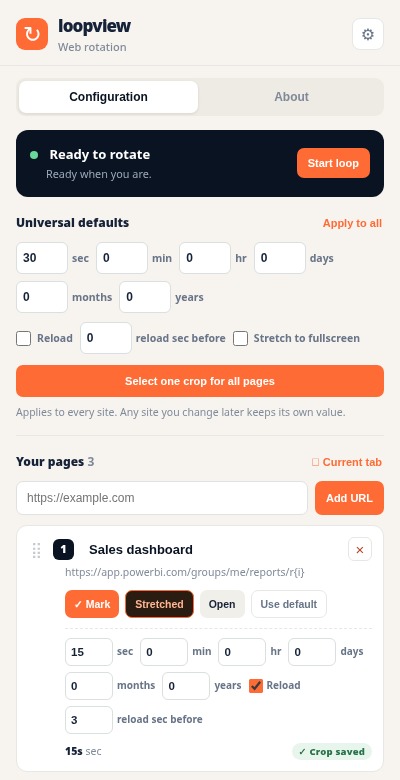
Add your pages
Open the popup, paste any http or https address and give each page its own time. Seconds or hours, you decide.
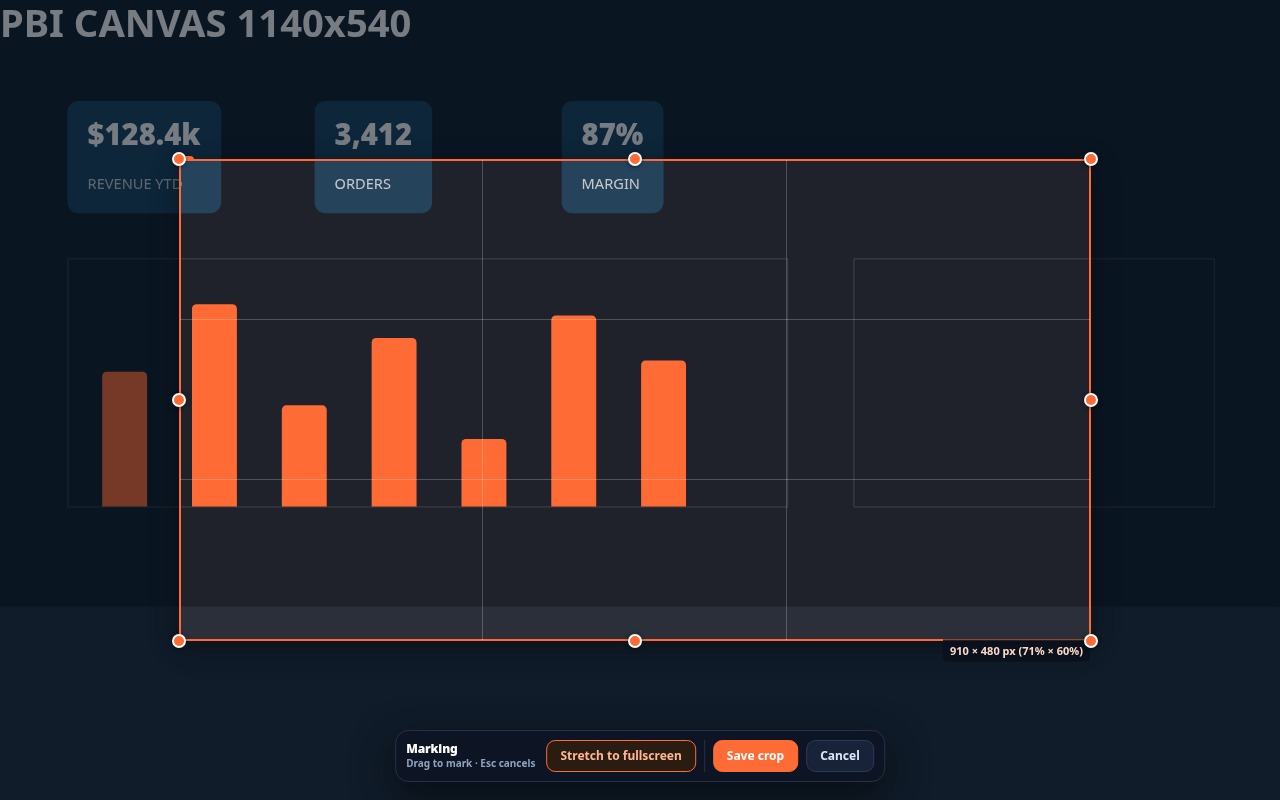
Mark what matters
Press Mark on the page card and drag the orange frame over the chart, price or camera you actually care about. Everything else disappears.
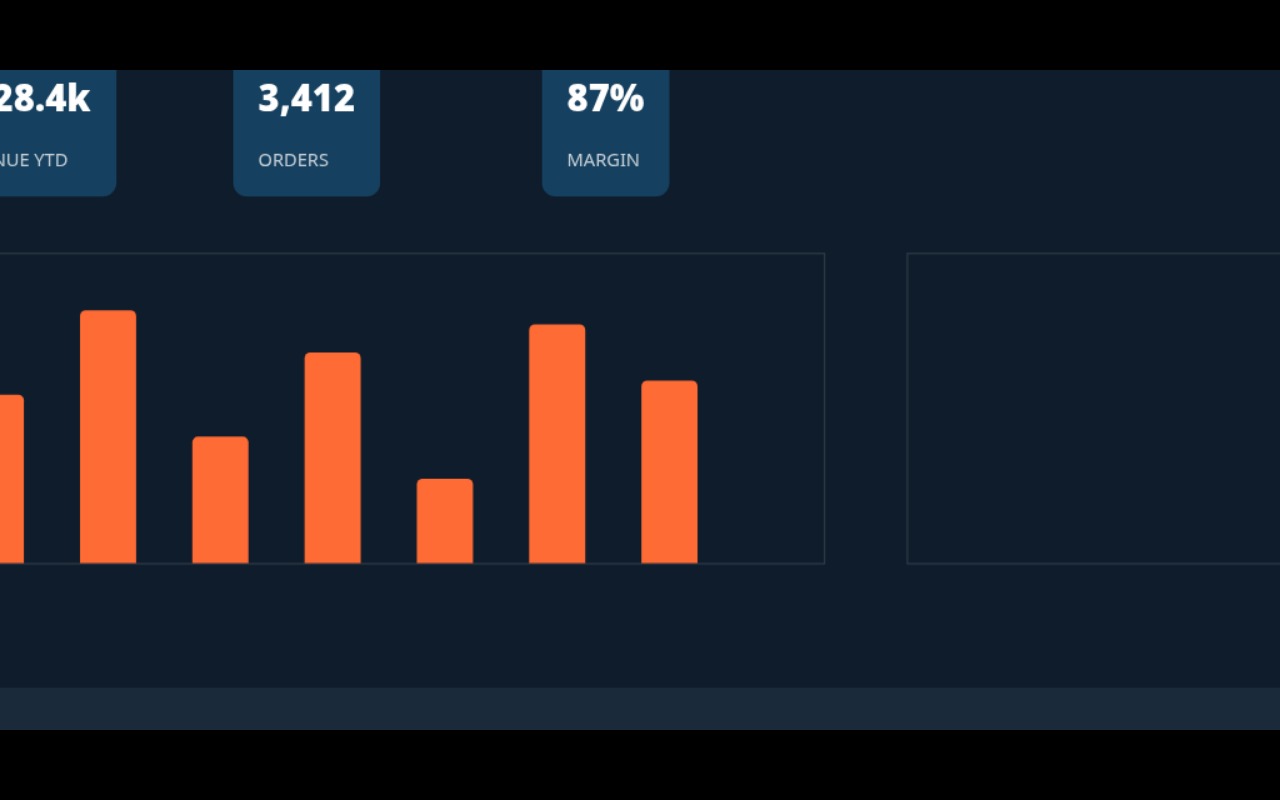
Fullscreen, live
Start the loop. The marked region fills the screen in real time and the page keeps running underneath. Press Esc anytime to come back.
Quick answers.
Where is my data?
In your browser. Pages, times and crops are stored locally. There is no account, no server and nothing is collected.
How many pages can I add?
As many as you want. The loop is infinite and every page can have its own duration, reload rule and crop.
Does it work with Power BI?
Yes. Reports embedded on any site are supported, and the crop respects the exact area you marked even when the dashboard resizes.